Back to selected work

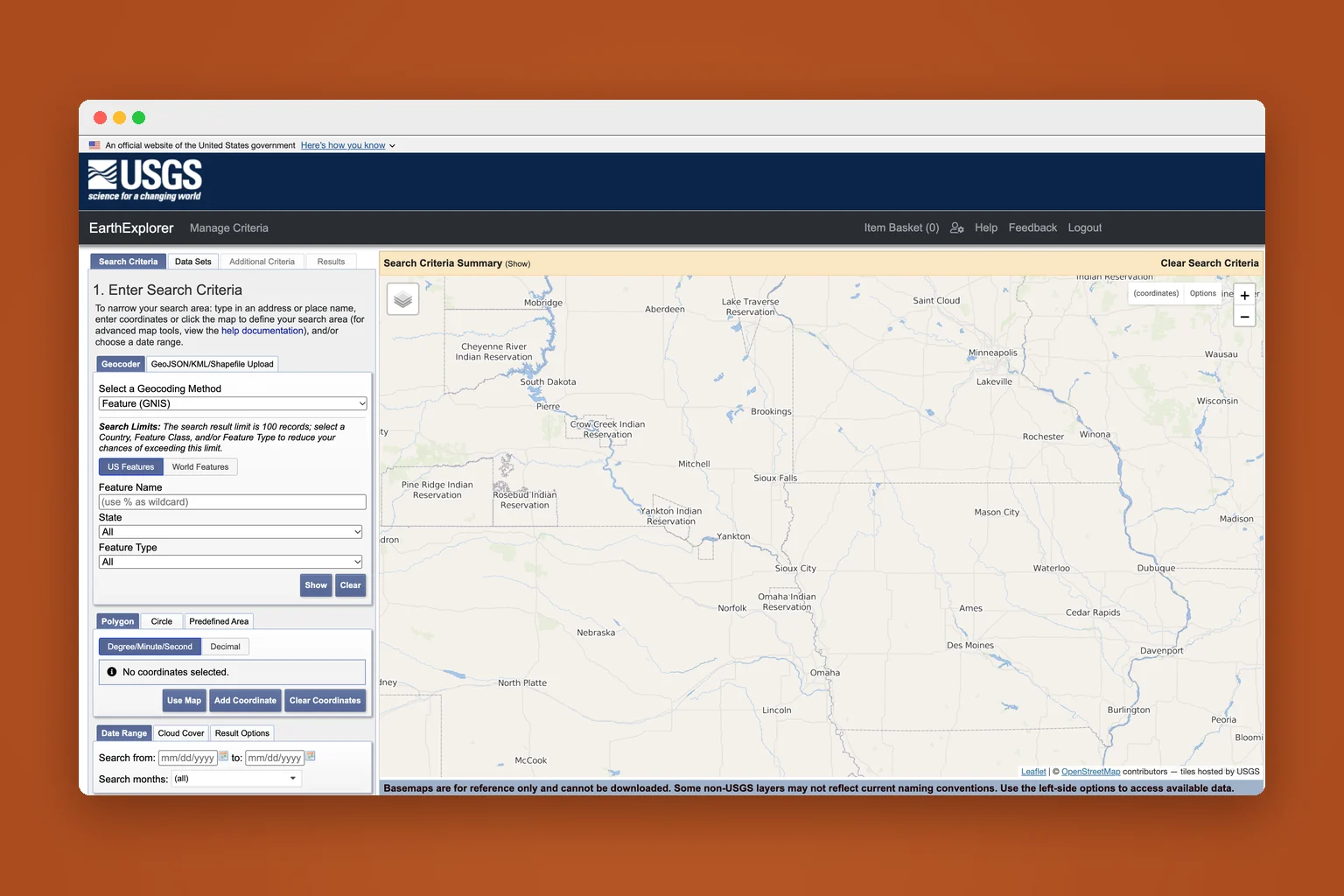
EarthExplorer In progress

From “I found it”
to “I have it.”

My role
UX research & design
Methods
Heuristic evaluation
Desk research
User interviews (recruiting)
Context
Independent study
Oct 2026–present
Behind the workSee the researchHow I tested it, what I found, and what’s next.
01

What I did

I tried it myself first.

Task: find a cloud-free satellite image of Nashville from this summer and get it onto my laptop.

46 notes, each rated 1 to 4.

I logged everything that slowed me down or helped, rated its severity, and matched it to Nielsen’s 10 usability heuristics. Then I read USGS’s own user research: most users are academics, and experts often skip the website and download with code. So the people clicking through it tend to be the newest.

Sources: USGS user survey (opens in a new tab) and Landsat statistics (opens in a new tab).

02

What I found

Four problems kept showing up.

Three tools to download one image.

Search, then a Bulk Download Application, then a separate Bulk Download Web Application. No “done” message at the end, and my Mac tried to open the files in Illustrator.

“Export” gives you a spreadsheet.

Not images. And in pop-ups, “OK” quietly selects a data set while “Cancel” unselects it.

Notices show up at the wrong time.

Stacked pop-ups, one from 2022. The useful one disappears before you need it.

Dead ends.

Compare with nothing selected has no way back. Export does nothing until you log in, and doesn’t say so.

What it gets right: a pre-filter that cut 126 data sets to 11, and a clear live download screen.

03

What’s next

Check it with scientists, then redesign.

Interviews and testing

I’ve reached out to earth scientists at MTSU and Vanderbilt. First question: have you ever found the right image and gotten stuck downloading it?

Redesign the worst moments

Probably the download journey, built with the U.S. Web Design System that federal sites share.

An independent study; not affiliated with the U.S. Geological Survey.