Delivered
Participation pages, ticket information, seasonal messaging, and alphabetical winners navigation, built in WordPress and Elementor.
Best of Clarksville
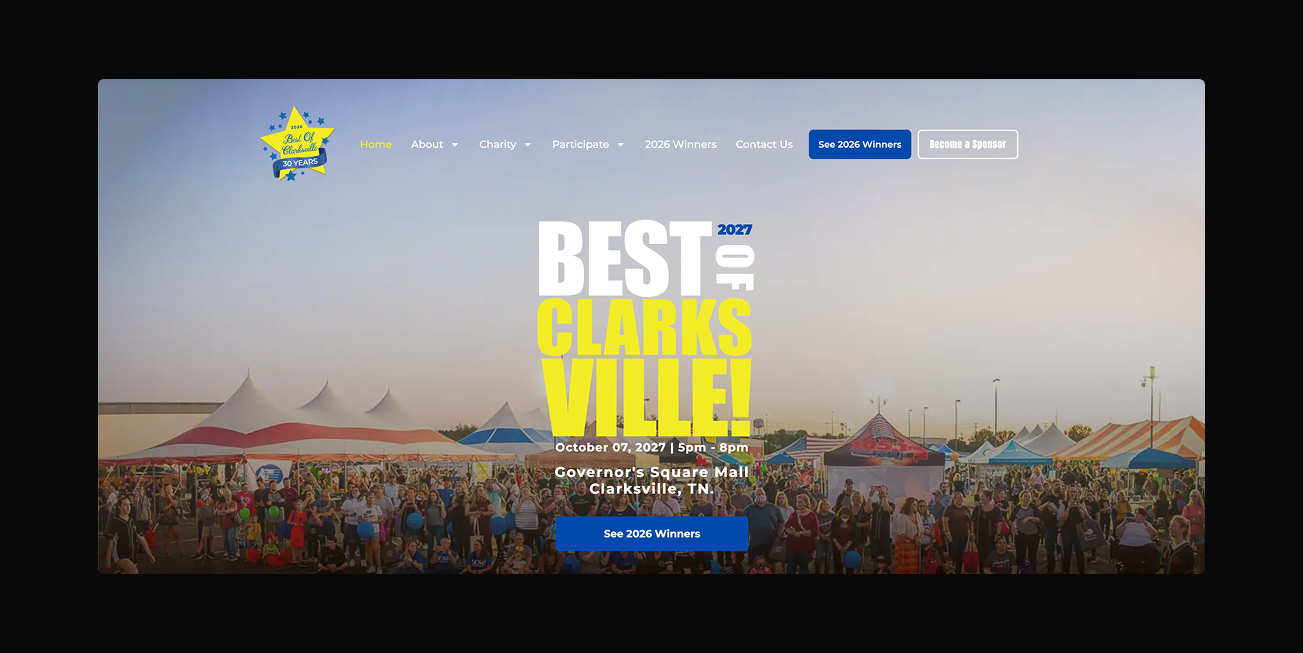
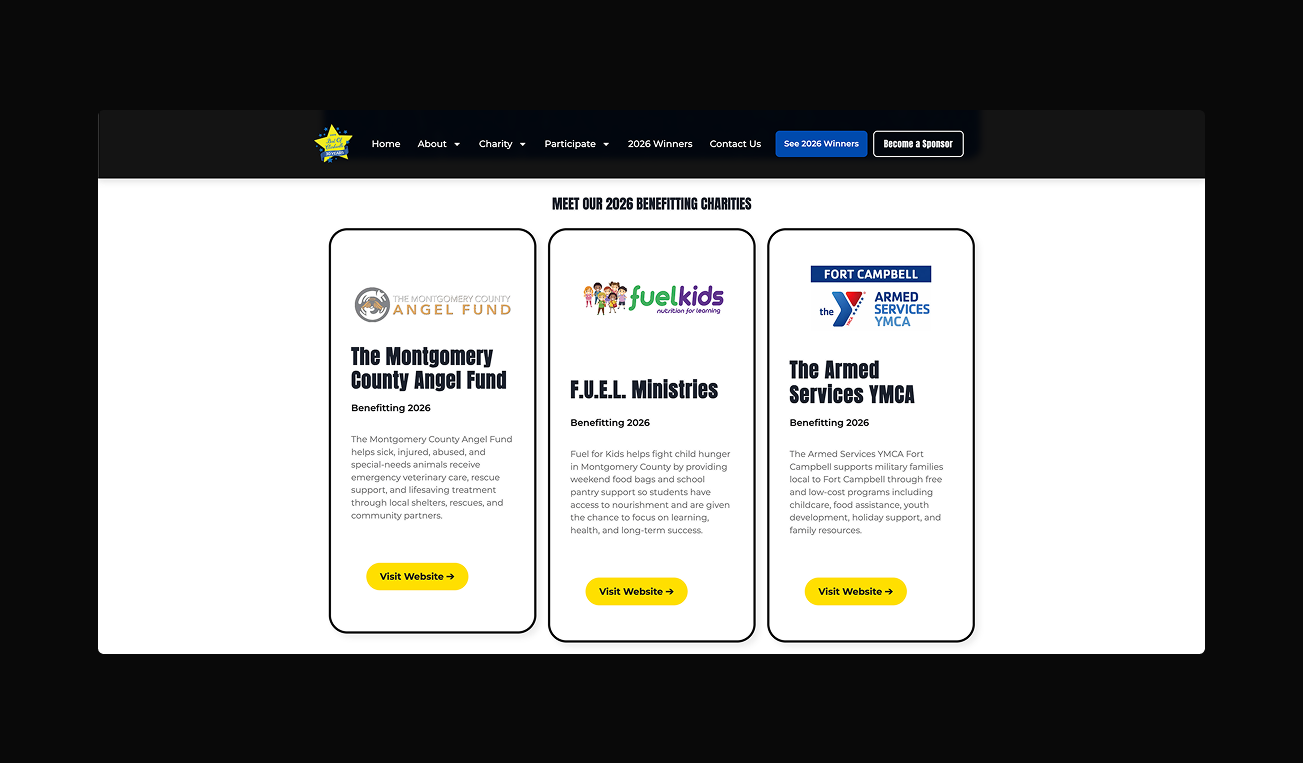
The annual calendar
Nominations, booths, sponsorships, tickets, and results become relevant at different points in the year. I worked with the board to organize those requirements into pages and seasonal states, so the website could explain what was available and what was coming next.
Before sales
Sales page
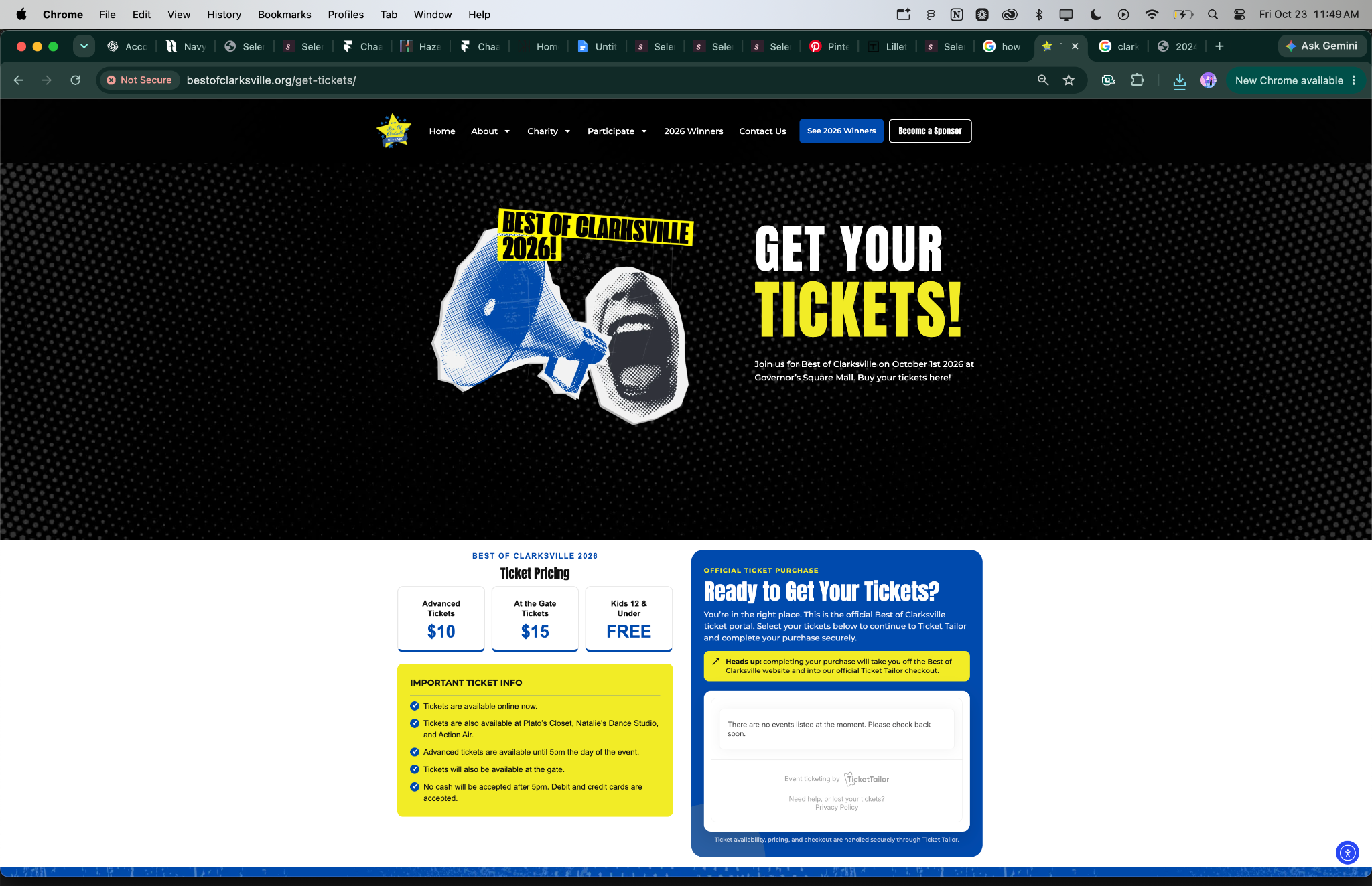
The ticket journey
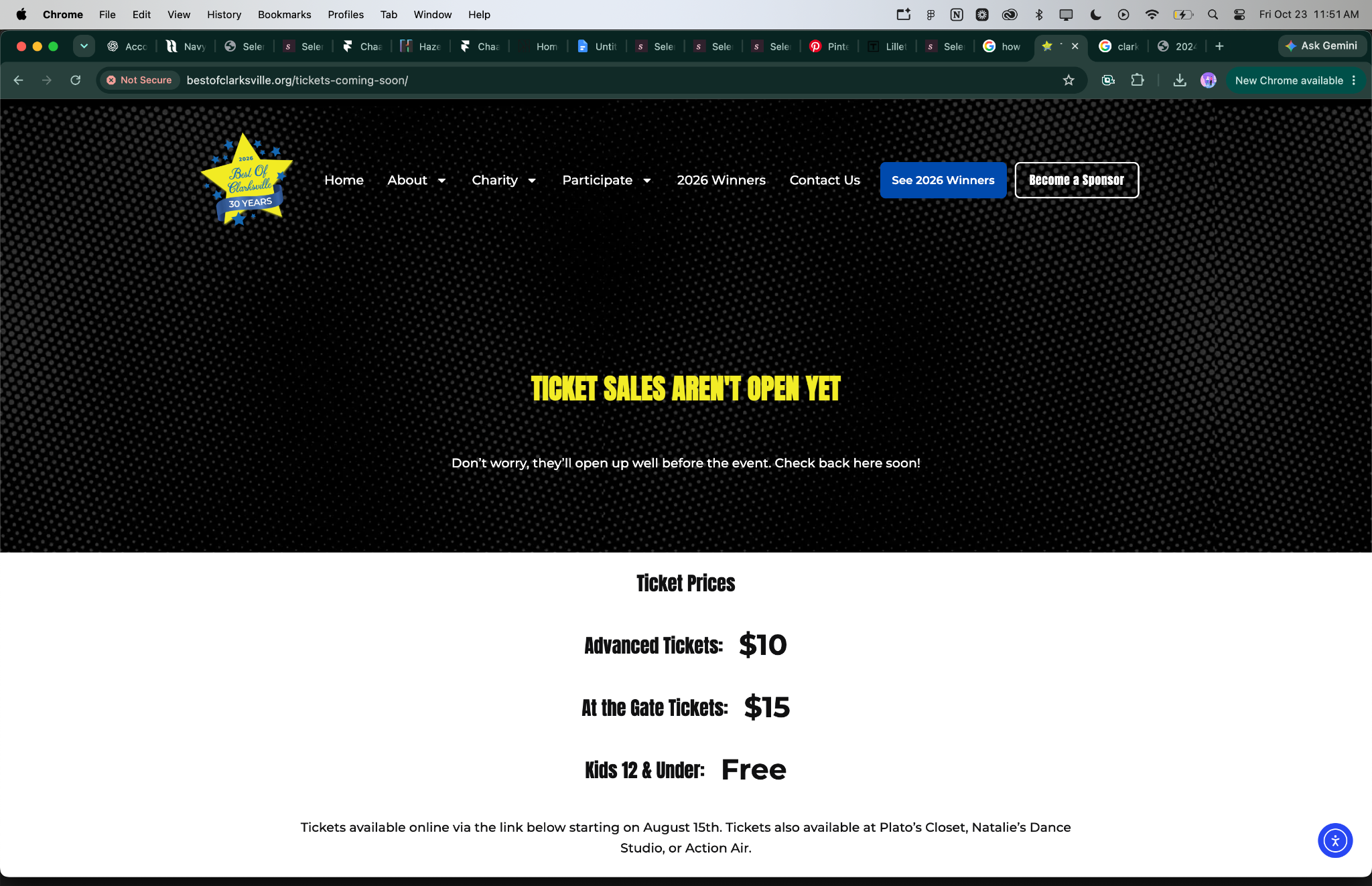
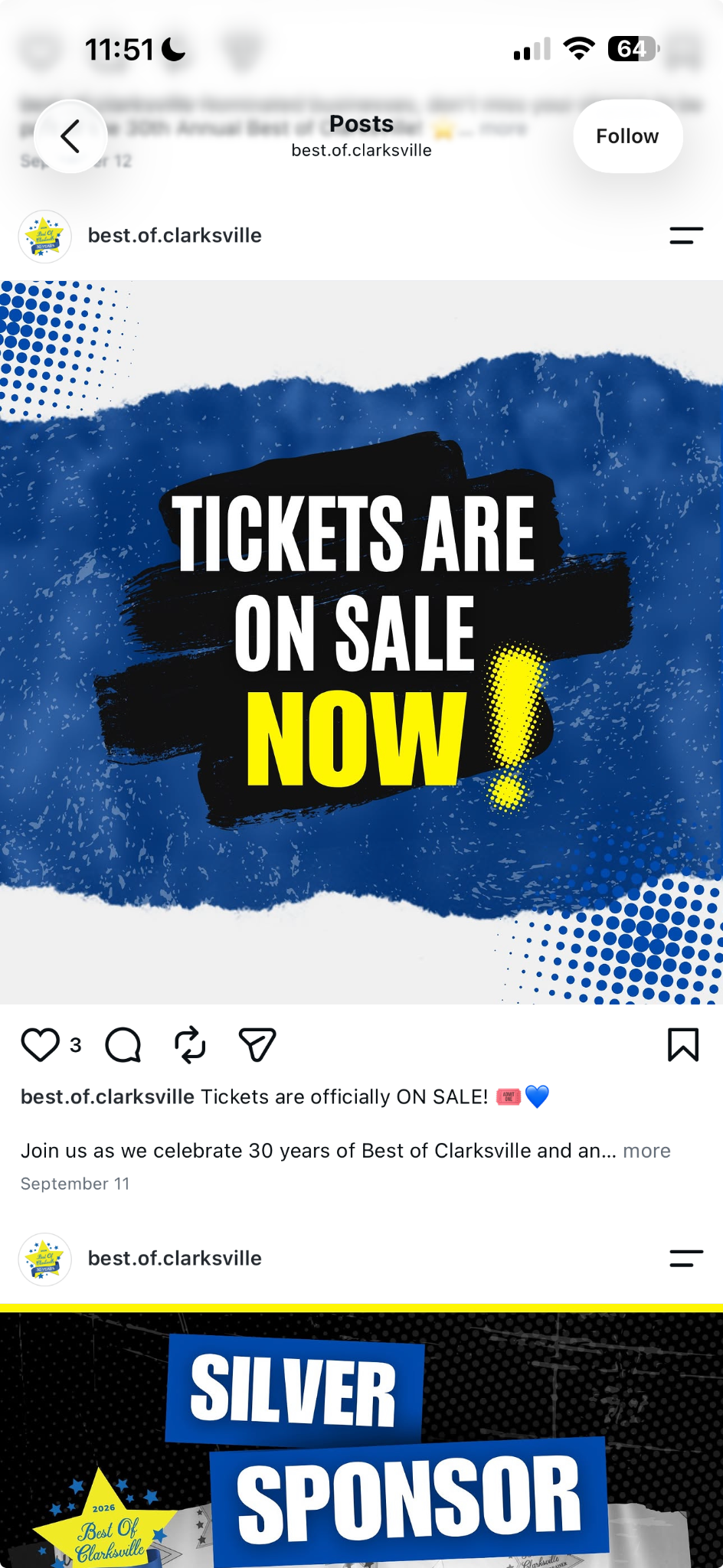
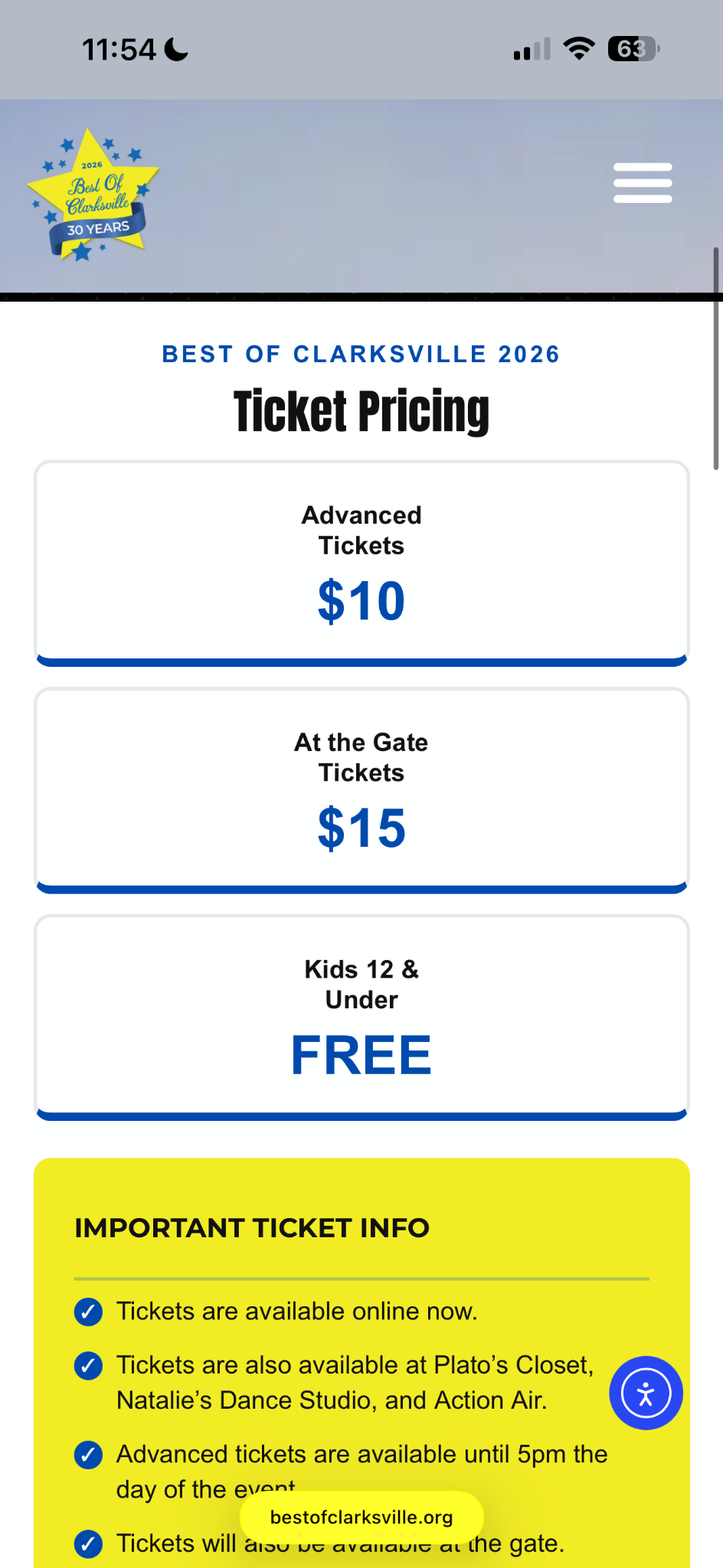
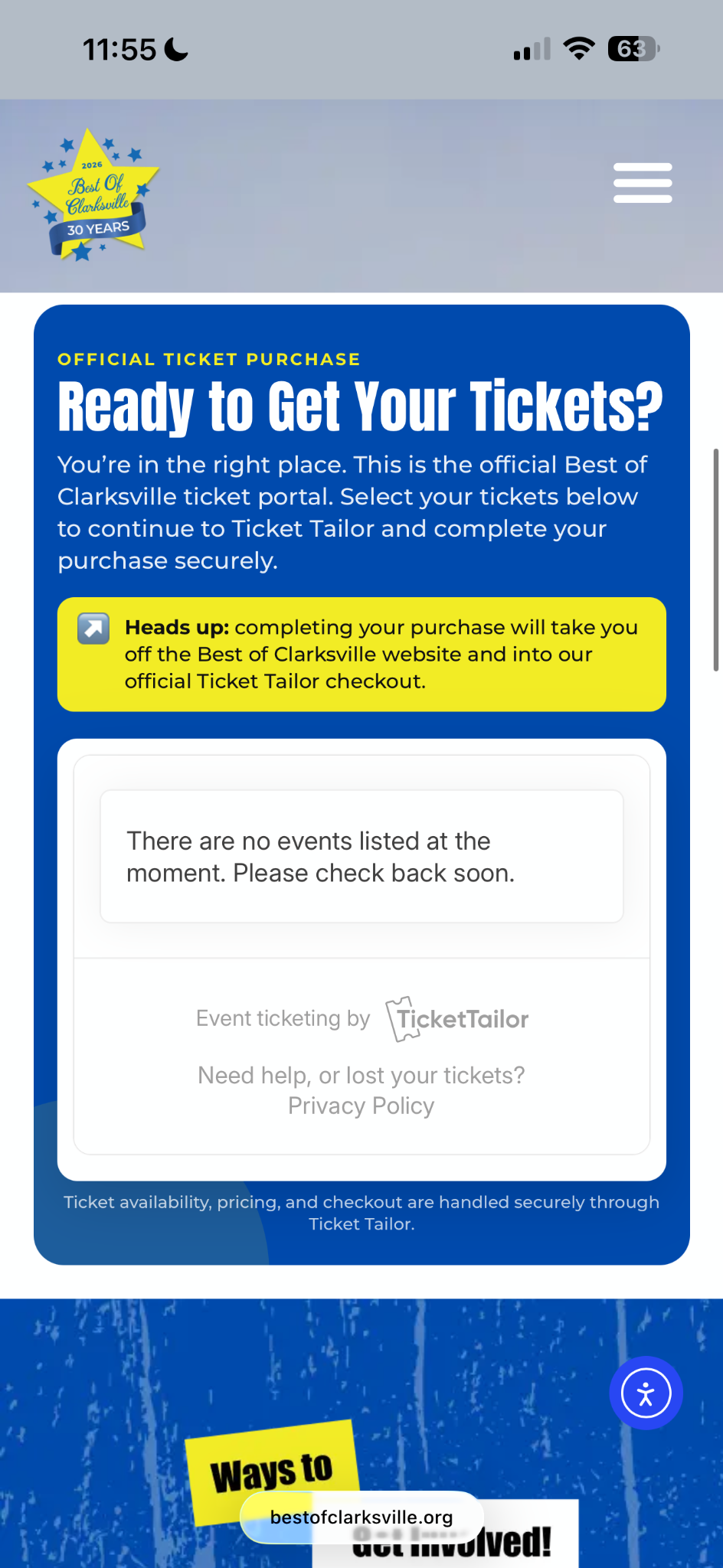
I collaborated with social media and marketing colleagues to carry the event’s visual identity and messaging into the whole site. The ticket page is one clean example: clear pricing, practical information, and a notice about the Ticket Tailor checkout give visitors a defined next step.
Finding the winners
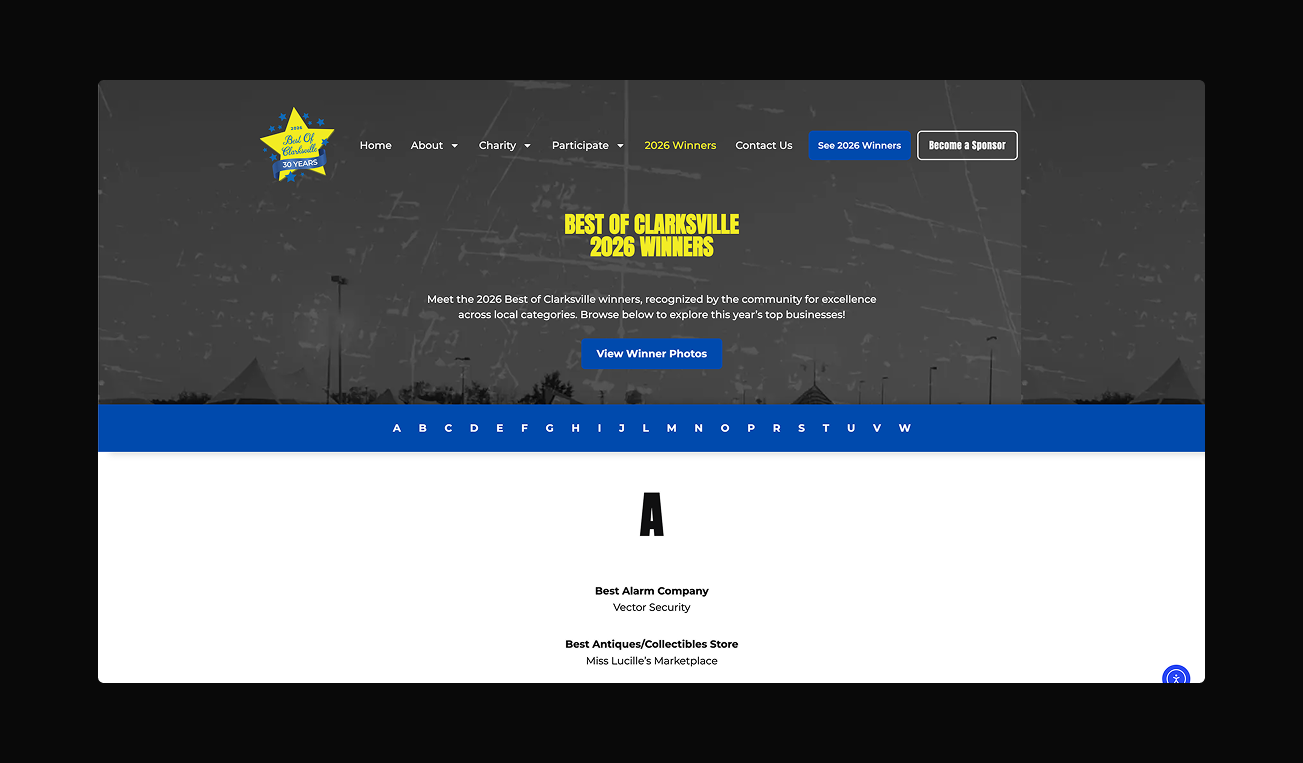
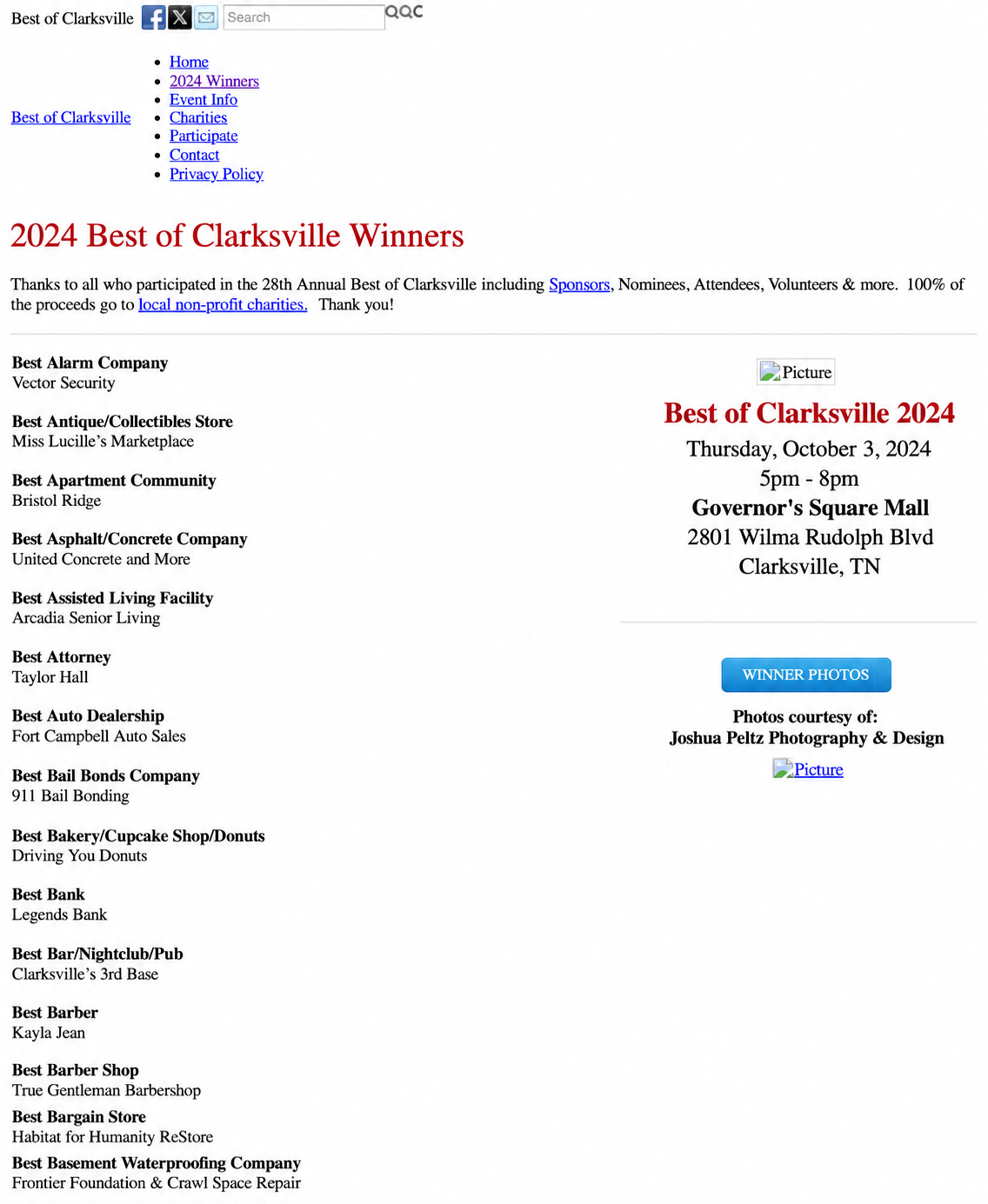
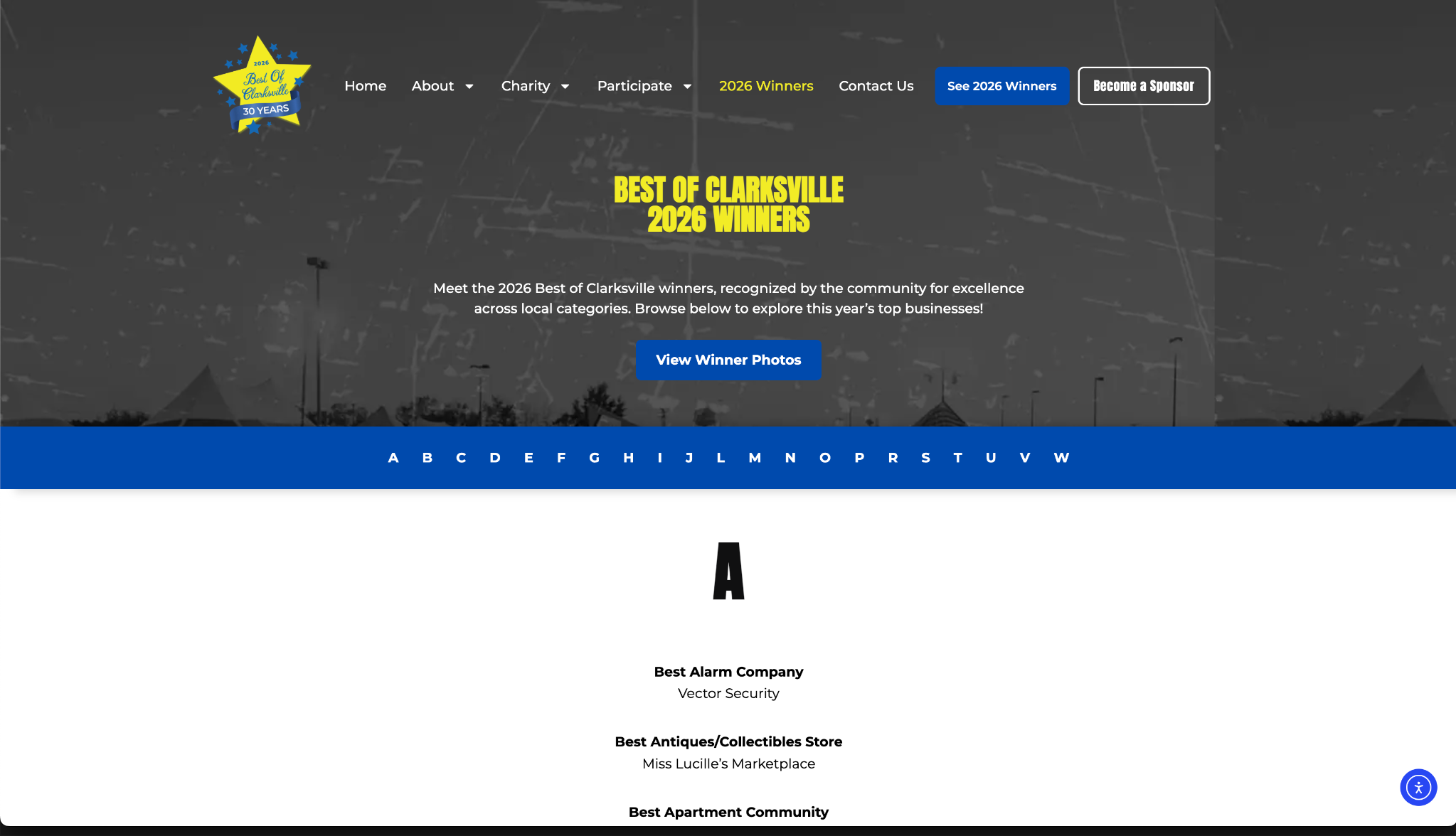
The previous winners page was a long list of categories and businesses. I proposed category browsing and search to give visitors a more direct way to find results.
The board wanted to retain the familiar format. I kept the category-and-winner list and added alphabetical sections with A–Z jump links. This gave visitors a way to skip to a letter without introducing a new browsing system.
Before / Scroll through the list ↓
Delivery & reflection
In a two-week sprint, I rebuilt a longstanding nonprofit’s website around its yearly calendar while keeping the workflows its board relies on.
When my first idea for the winners page didn’t fit, I kept the goal and changed the approach, and the A–Z navigation shipped.
Participation pages, ticket information, seasonal messaging, and alphabetical winners navigation, built in WordPress and Elementor.
The winners page taught me to separate a usability goal from a preferred solution. The final interaction solved the long list within the board’s requirements.
With more time (the initial two-week timeline was tight), I’d watch how visitors look for winners, then compare the A–Z navigation with category browsing or search.